Email reconnaissance tactics in phishing - "Are you reading this?"
Take action: Be very careful with unexpected emails with vague business opportunities or odd requests. They are often a check whether you are there and can contain invisible tracking pixels that report back when you've viewed them. Don't reply! Disable automatic image loading in your email settings (to block trackers). Verify any unexpected communication with your cybersecurity team.
Learn More
That dumb-looking email in your inbox might be more than just spam — it could be a sophisticated reconnaissance tool. Cybercriminals deploy a series of "recon emails" to gather intelligence about potential victims.
The objective idea is to check if someone is reading the emails in some email address, and hopefully get some more data on that person, like location, operating system and browser and whether they will respond. They are usually directed at corporate email addresses.
How to recognize a recon email?
The recon email is subtle: It doesn't ask for sensitive information or contain malicious links — they're designed simply to initiate a conversation and confirm your email is active. A recon email will have one of the following characteristics:
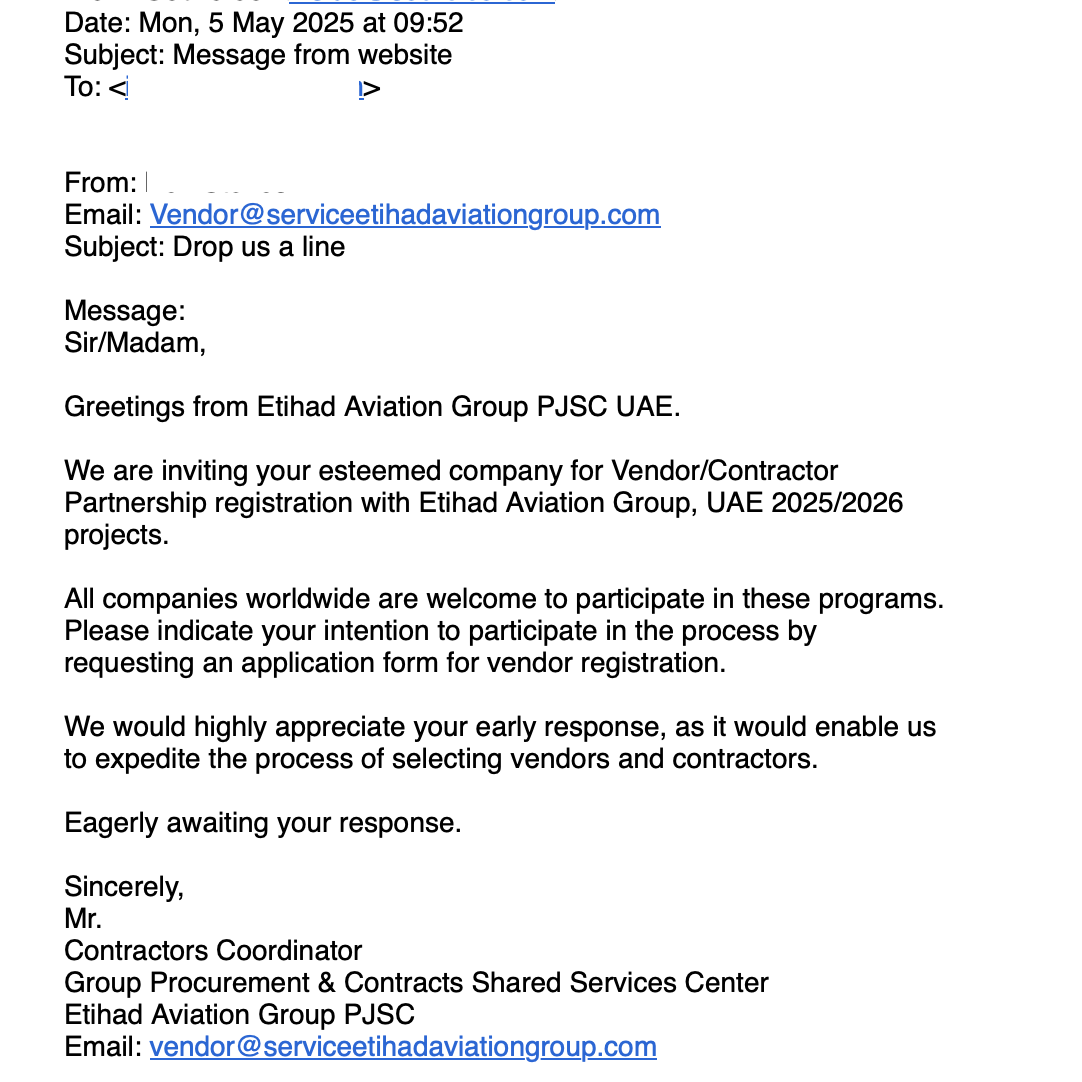
- Impersonate reputable organizations and contain vague but enticing business opportunities - triggering business interest
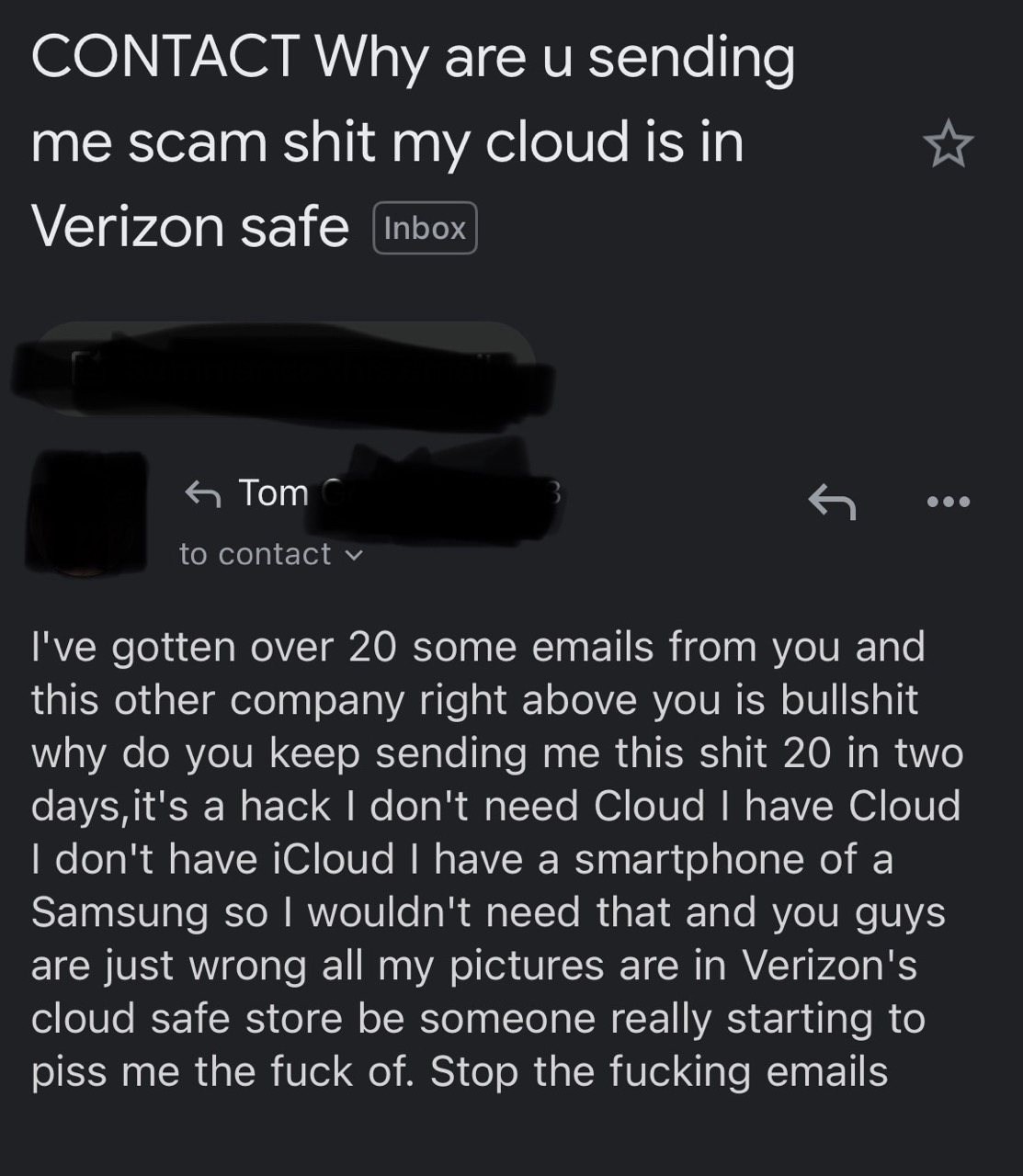
- Send a vague but dramatic looking complaint - triggering a support response
- Just be a simple one sentence text like "hello, i need your assistance" - triggering curiosity
The primary objective is for the user to respond, confirming that the email address is being read and even providing a channel for discussion, an email signature with a phone number and a real name.
Even if you don't respond, it is very common that the recon email also carries invisible tracking mechanisms. Usually, the trackers are 1×1 pixel images embedded in the email HTML that load from the attacker's server when you open the message.
<img src="https://malicious-tracker.com/pixel.gif?id=YOUR_EMAIL_ID"
width="1" height="1" style="display:none">
Each time the pixel loads, it transmits data back to the sender, including:
- The exact time and date you opened the email
- How many times you viewed it
- The device you're using
- Your email client
- Your IP address (which can reveal approximate location)
- Whether you forwarded the message to others
Any links within the email, even legitimate-looking ones, can contain unique identifiers that track:
- Which specific links you clicked
- When you clicked them
- How long you spent on the destination page
How to stay safe?
- Never respond to emails which are vague or weird - even if they don't contain any links or files. Consult with your cybersecurity or IT team and ask them to review it.
- If you DO feel you need to respond to such an email - send a response from a no-reply address, with no signature or name other than the company domain which the attacker already has. Ask for a followup to the original email where they sent the recon.
- Disable automatic image loading in your email client. The setting will vary per client, but all clients and web mail systems have this, so activate it!
- Use plain text email instead of HTML when possible
- Verify unexpected communications through official channels, not using contact info provided in the email
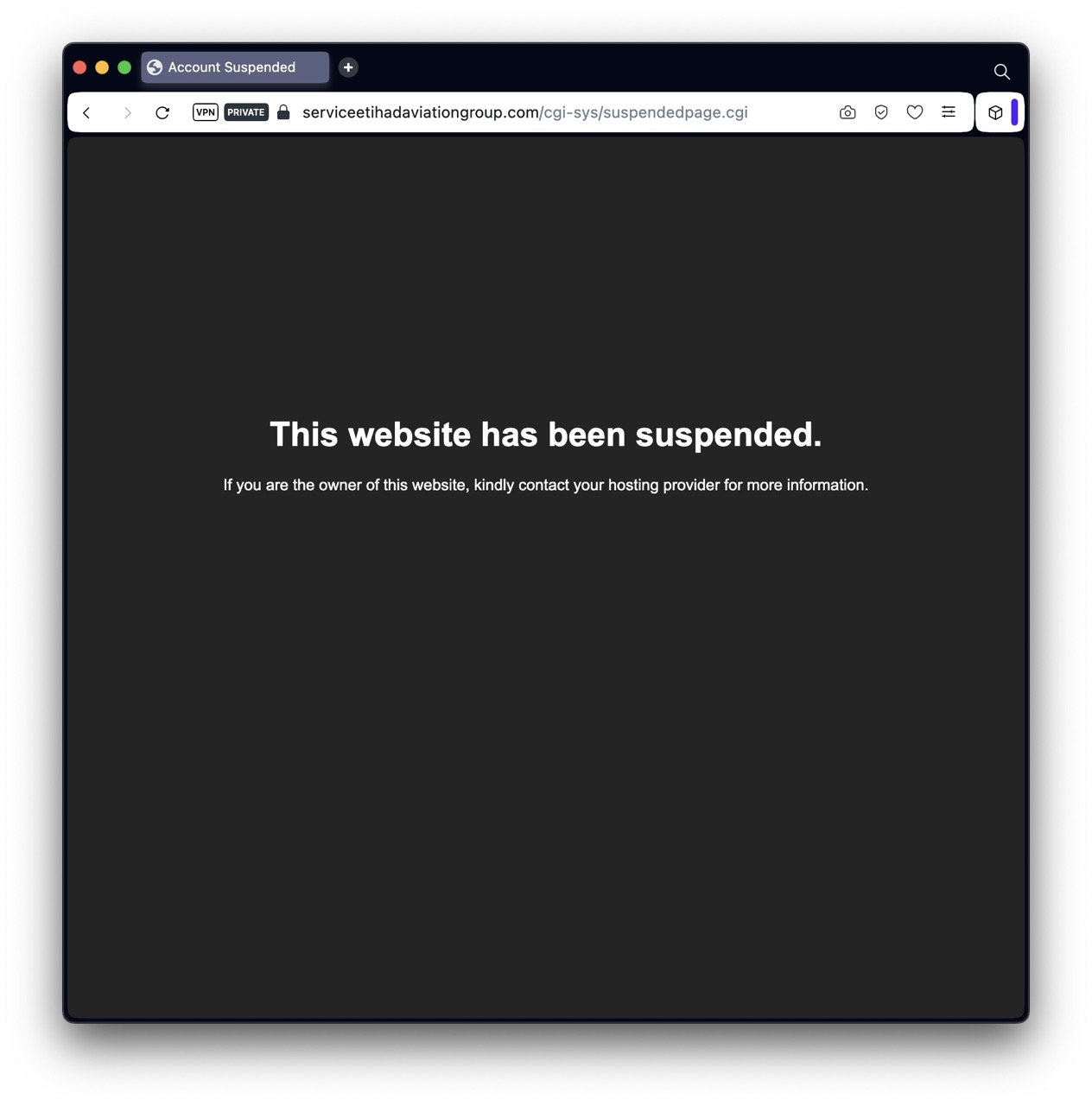
- Research company domains carefully (e.g., compare "serviceetihadaviationgroup.com" vs. "etihad.com")